Installation
Up and running in minutes.
Install Proxmox Extended Sensors from HACS, add the integration and connect the Proxmox services you want to monitor.
Official distributionHACS
- 01Install
- 02Restart
- 03Add
- 04Connect
Four short steps
From HACS to connected infrastructure.
- 01
Official HACS release
Install from HACS
Search for Proxmox Extended Sensors in HACS and install it.
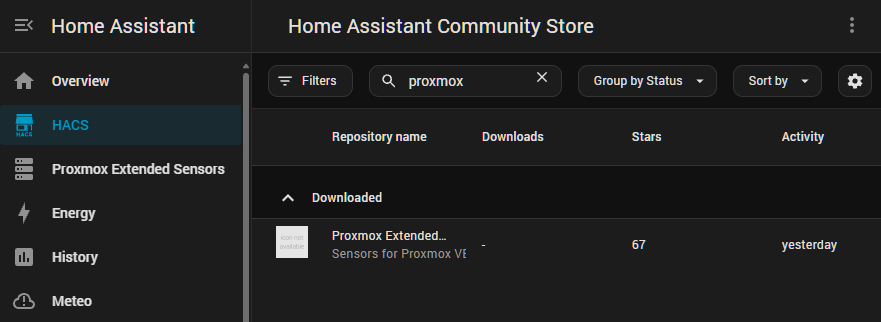
- 02
Apply the installation
Restart Home Assistant
- 03
Home Assistant
Add the integration
Open Settings → Devices & services → Add integration and select Proxmox Extended Sensors.
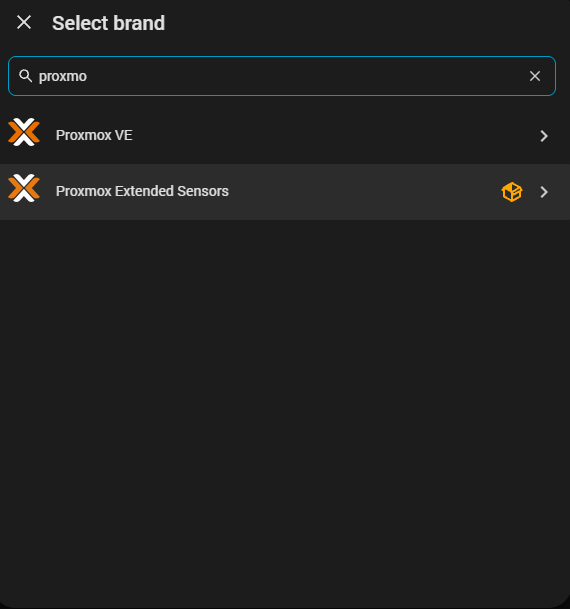
- 04
Choose your scope
Choose what to connect
Optional dashboard
Want the dashboard too?
The automatic Proxmox Extended Sensors dashboard is installed separately and adapts to the resources you monitor.
Dashboard Documentation →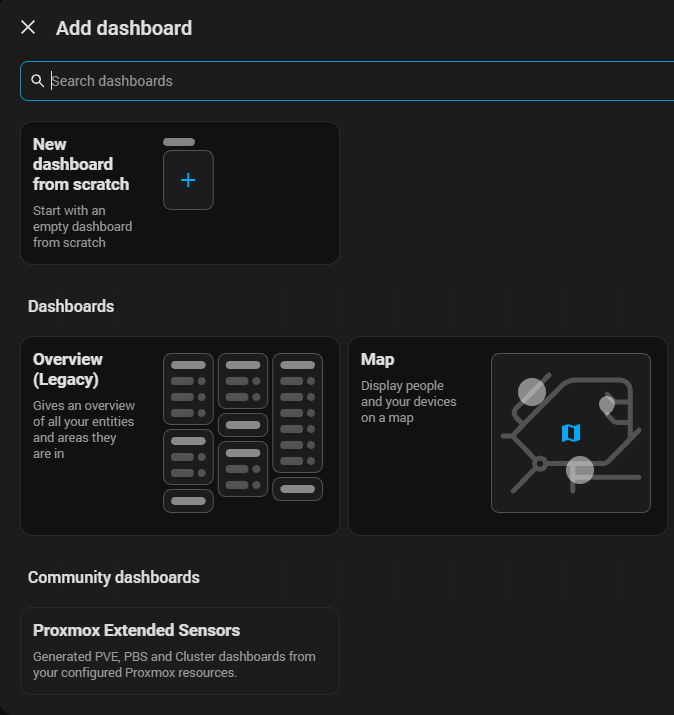
Next step