Proxmox Virtual Environment
Bring your PVE into Home Assistant
Monitor your Proxmox VE nodes, hardware, storage and guests directly from Home Assistant.
- Node
- Hardware
- Disks
- Storage
- Mounts
- CTs
- VMs
Node
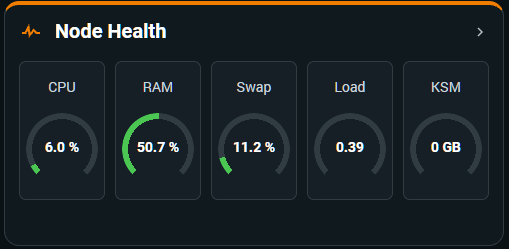
Your host, at a glance
See the operational state of a Proxmox node without leaving Home Assistant.
- Health
- CPU
- Memory
- Load
- Network
- Temperatures
Hardware & Disks
Beyond the basic API
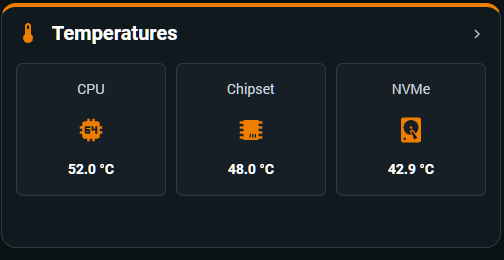
Bring physical host signals into the same view as your virtual infrastructure when the hardware exposes them.
- Temperatures
- SMART
- NVMe
- DIMMs
- ZFS
Storage & Mounts
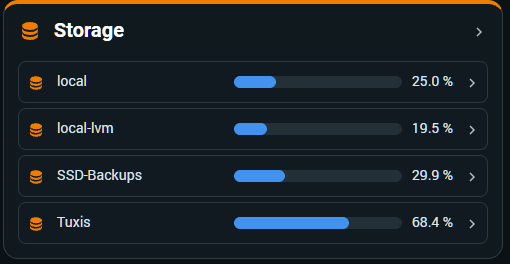
Capacity you can actually see
Follow selected Proxmox storage resources and mounted disks through a clear Home Assistant view.
- Proxmox Storage
- Capacity
- Usage
- Mounted Disks
Virtual Machines & Containers
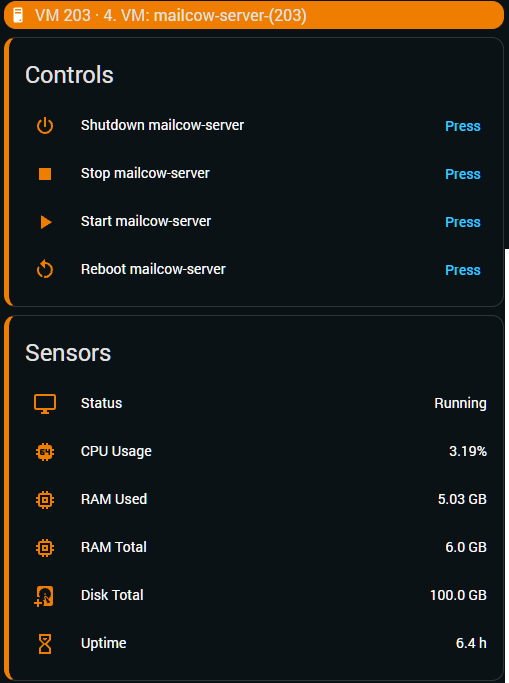
Guests become first-class resources
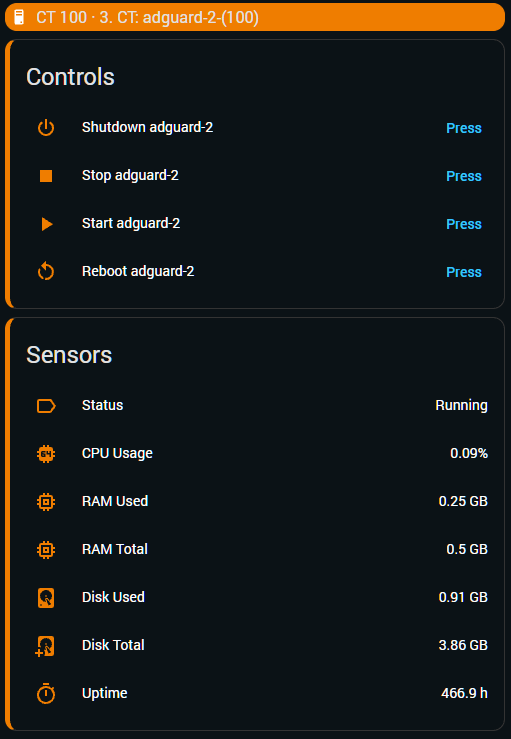
Track the status and resources of the VMs and containers that matter, with supported controls close at hand.
- Status
- Resources
- Network
- Controls
In a configured cluster, monitored guests can move between nodes while keeping their Home Assistant identity.
Go deeper