Proxmox Datacenter Manager
Bring your Datacenter into Home Assistant
Monitor centralized status, capacity, inventory, updates and PVE/PBS remotes from one PDM connection.
- Datacenter
- PVE Remotes
- PBS Remotes
- Capacity
- Inventory
- Updates
- Dashboard
Datacenter Capacity
Capacity across PVE and PBS
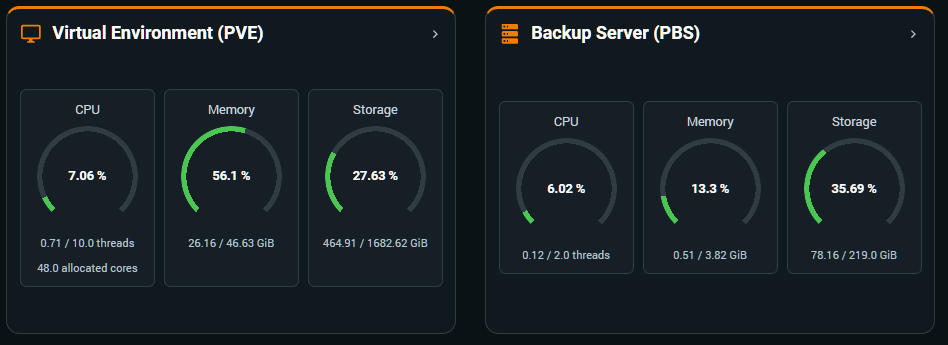
Read aggregate CPU, memory and storage usage for the PVE and PBS environments managed by PDM.
- PVE Capacity
- PBS Capacity
- CPU
- Memory
- Storage
Inventory & Remotes
One view of managed environments
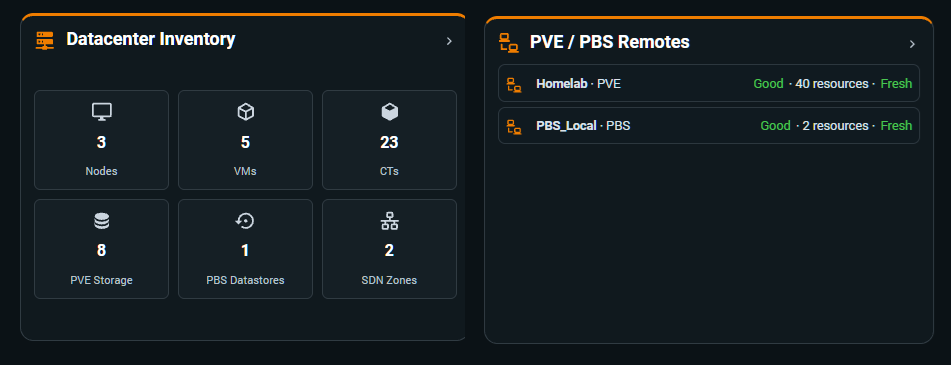
See centralized resource counts together with the current state and freshness of every configured PVE or PBS remote.
- Nodes
- VMs
- Containers
- Storage
- Remote Status
Datacenter Updates
Updates, grouped where they belong
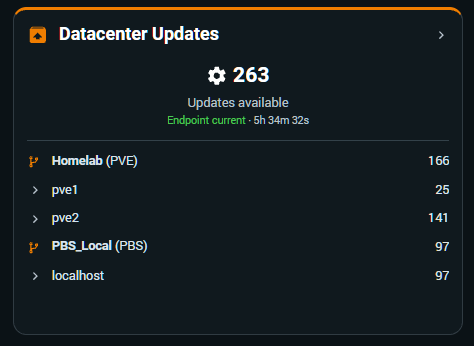
Follow the total updates reported by PDM, their distribution by remote and node, and the freshness of the retained snapshot.
- Available Updates
- By Remote
- By Node
- Snapshot Freshness
PDM Dashboard
The Datacenter at a glance
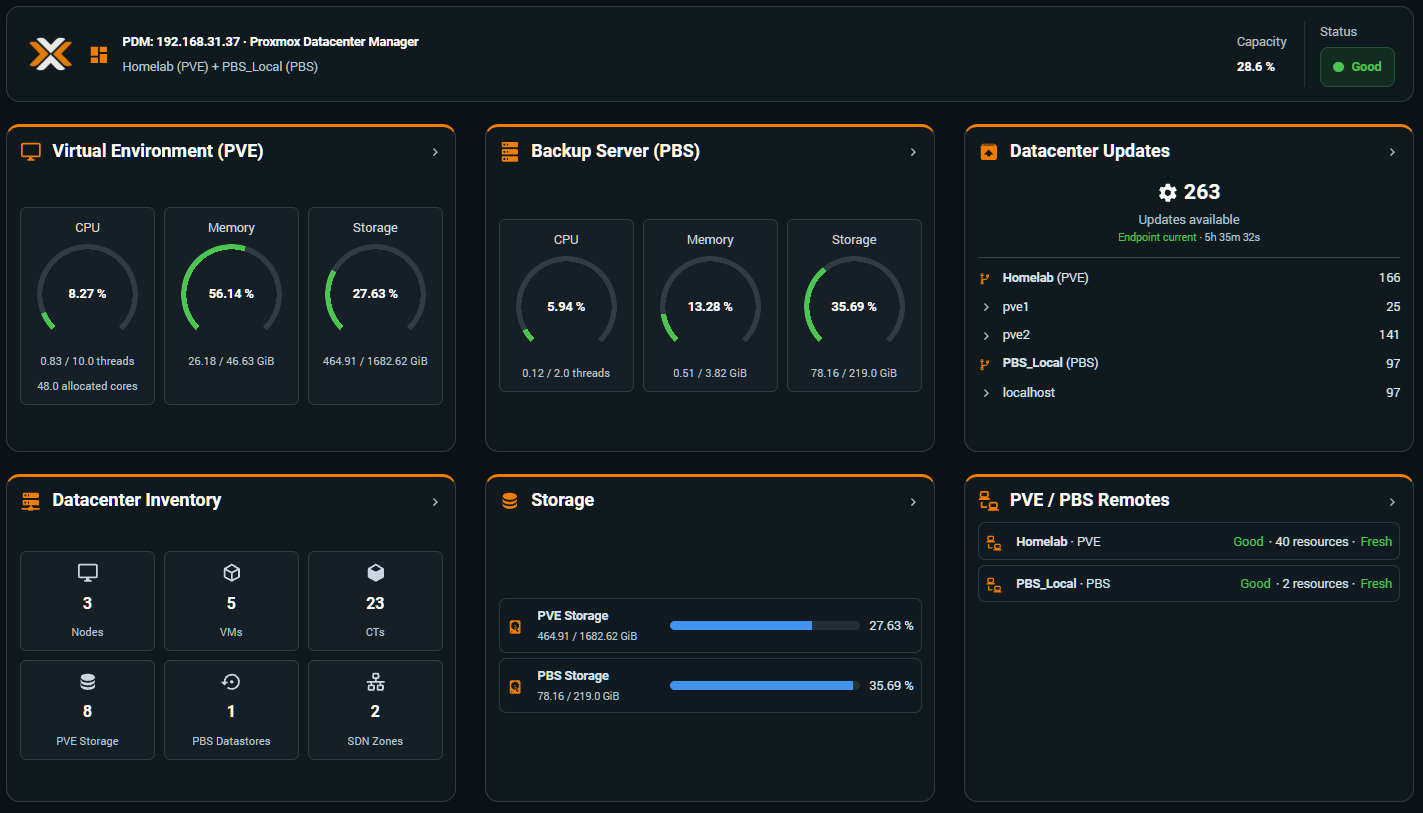
Use the dedicated three-column PDM dashboard to bring status, capacity, inventory, storage, updates and remotes into one responsive Home Assistant view.
- Status
- Capacity
- Inventory
- Updates
- Remotes
Go deeper