Proxmox Cluster
See your cluster as one system
Bring nodes, guests, storage, backups and cluster health together in one Home Assistant view.
- Nodes
- Quorum
- VMs
- CTs
- Storage
- Backups
- Replication
One Cluster, One View
Your infrastructure, together
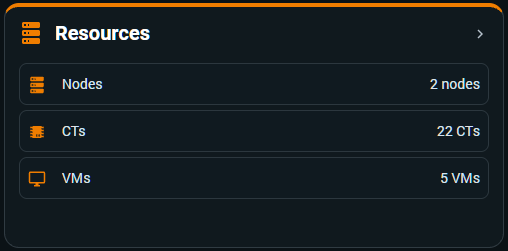
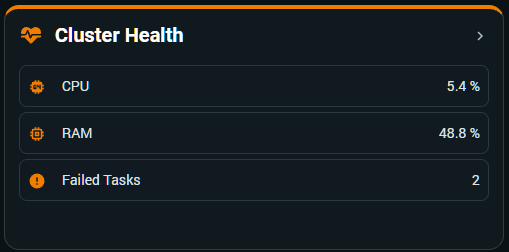
Read nodes, guests and aggregate health as one coherent view instead of interpreting each host in isolation.
- Nodes
- CPU
- RAM
- VMs
- CTs
- Storage
Health & Quorum
Operational state, surfaced clearly
Expose the cluster status where you already monitor your home, so availability signals remain visible at a glance.
- Quorum
- Nodes
- Availability
- Health

Backup & Replication
Keep recovery signals in the picture
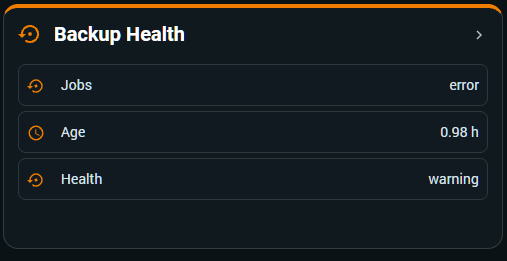
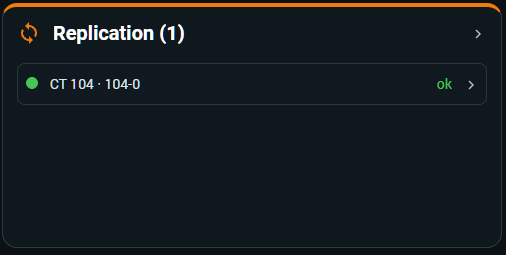
Follow backup health across the cluster, with replication information appearing when replicated guests or jobs exist.
- Backup Jobs
- Backup Age
- Backup Health
- Replication
Guest Mobility
Move the guest. Keep the identity.
When a monitored VM or CT moves between nodes in a configured cluster, its Home Assistant identity stays with it.
PVE 1VM / CTPVE 2Home Assistant identity: stable
Go deeper